Boost Co-Living Profit: Financial Reporting Templates
July 8, 2026
Stop Drowning in Spreadsheets: A Host's Guide to Financial Clarity
Managing a room-by-room rental gets messy fast. You're not just watching one lease and one rent payment. You're tracking multiple members, staggered move-ins, utility swings, room turns, cleaning costs, lock changes, and small operating expenses that eat into NOI.
That's why generic bookkeeping advice usually falls short for co-living. A standard rental spreadsheet might tell you whether a property made money last month, but it often won't tell you which room is underpriced, whether turnover is spiking in one house, or whether your utility burden is climbing because occupancy changed. For PadSplit hosts and co-living operators, that missing detail matters.
Financial reporting templates solve that problem when they're built the right way. Standardized templates create a repeatable framework for core reports like the income statement, balance sheet, and cash flow statement, which matter for tax filings, audits, loan applications, and investor updates. They also work best when they use consistent time-period comparisons and locked formulas for metrics like gross profit margin, net income, EBITDA, and working capital, because that keeps everyone reviewing the same numbers in the same format, as outlined in Workday's overview of accounting report templates.
Below are 10 financial reporting templates and platforms that fit room-by-room operations, from simple spreadsheets to systems designed to replace them.
1. PadPulse
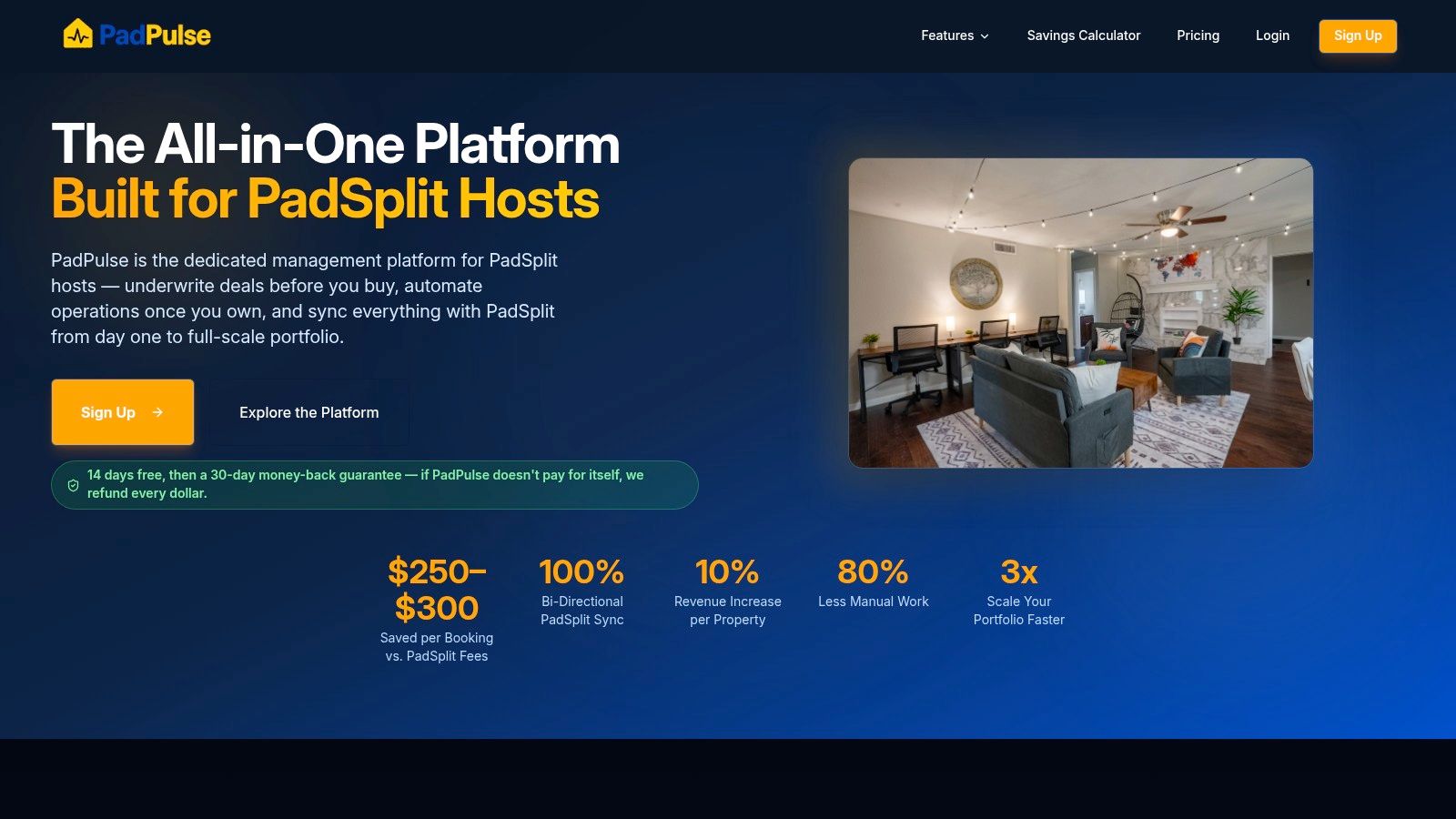
If you run PadSplit homes long enough, you eventually hit the same wall. Your pricing lives in one sheet, member communication lives in text threads, vendor notes sit in your inbox, and your P&L is always a few steps behind real operations. PadPulse is built to collapse that sprawl into one system.
It's an in-development platform purpose-built for PadSplit hosts and co-living operators, with a planned Winter 2026 launch and limited beta access for early adopters. The focus isn't just accounting. It's operating the whole house more cleanly, then turning that activity into usable financial visibility.
Why it stands out for co-living
PadPulse is the only option on this list that's explicitly designed around room-by-room operations. That matters because a co-living host doesn't just need a clean income statement. They need pricing controls, messaging, smart-home oversight, vendor payouts, and portfolio-level performance in the same workflow.
Its planned feature set includes:
- PadSplit sync: Native bi-directional syncing for listings, members, rates, and messages.
- Revenue tools: Dynamic pricing, direct booking tools, underwriting, and market intelligence.
- Operations hub: A unified inbox for SMS and PadSplit messages, plus AI messaging workflows.
- Smart-home layer: Integrations for keyless locks and smart thermostats, with device monitoring on higher tiers.
- Financial visibility: Live P&L views and portfolio-level analytics.
- Acquisition support: Buy-box screening and shareable underwriting PDFs.
Practical rule: The best financial reporting template for co-living isn't just the prettiest statement. It's the one that captures the operational events that create the statement in the first place.
PadPulse is also positioned around operator outcomes. The company says the platform is intended to save manual work, improve revenue per property, and reduce fee leakage through its workflow and booking tools. Those are product claims, not historical facts I'd treat as guaranteed outcomes, but they're directionally aligned with what most hosts need.
Trade-offs and fit
PadPulse looks strongest for operators who want to stop stitching together separate tools. If you're underwriting homes, managing active turns, and trying to watch profitability at the room and portfolio level, a purpose-built platform makes more sense than adding another spreadsheet tab.
The trade-off is timing. It isn't generally available yet, and advanced features are tiered. If you need a fully mature system today, you'll still need to run your reporting in Excel, Sheets, or accounting software while you monitor the beta.
For hosts planning to grow, though, the idea is compelling. The founder reportedly built the system out of real host workflows after scaling from a small portfolio into a larger one, and that operator-first angle shows in the feature mix.
You can join the early-access list on the PadPulse website.
2. Microsoft Excel financial reporting templates
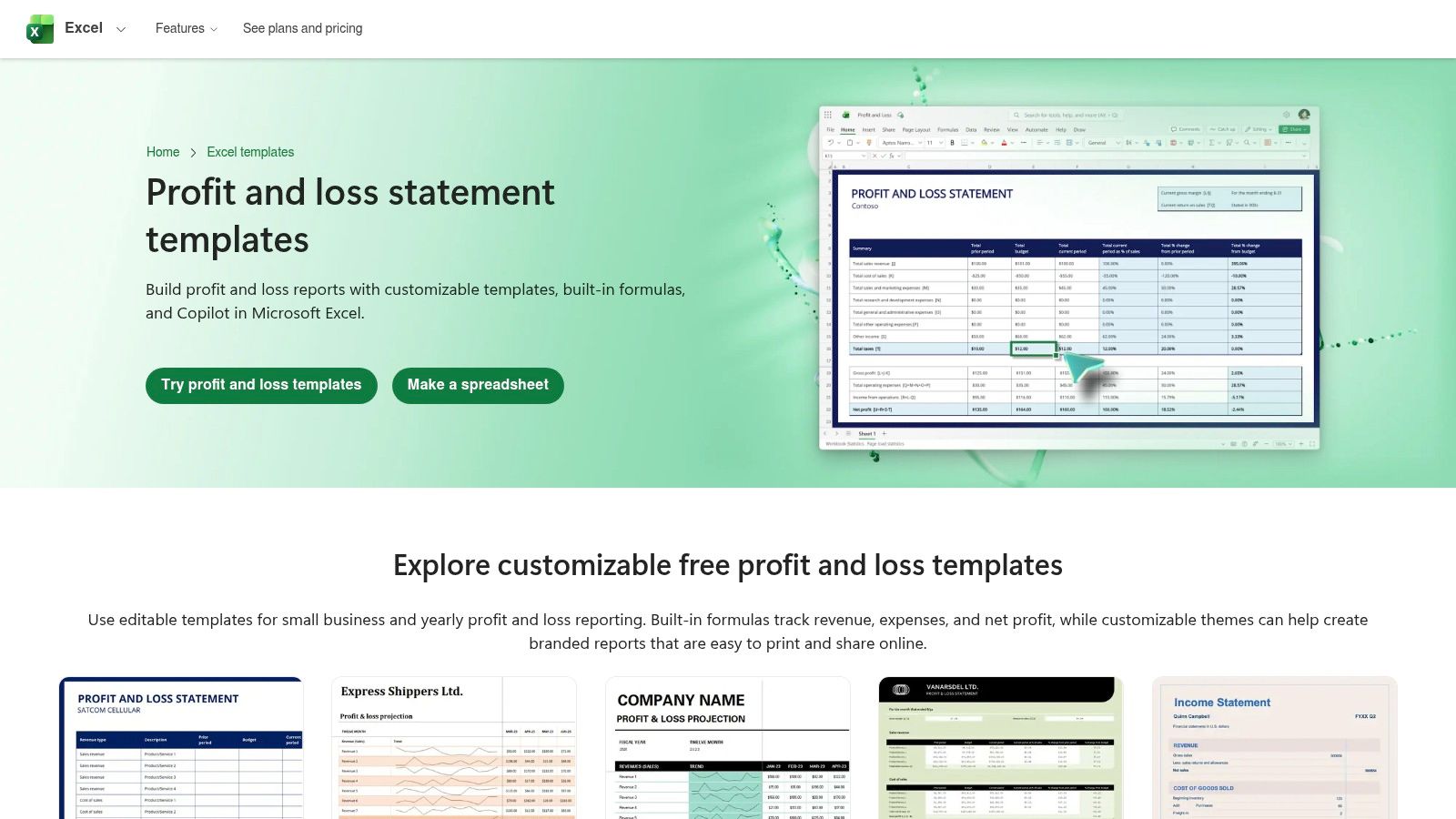
Excel is still where many hosts should start. Not because it's glamorous, but because it's flexible, familiar, and accepted by almost every CPA, lender, and investor you'll deal with.
For a small co-living portfolio, Excel works well when you need to customize line items around room income, member fees, cleaning, utilities, repairs, and leasing costs. Microsoft's ready-made finance templates give you a head start, then you can adapt the chart of accounts to fit how your houses operate.
Where Excel works best
The sweet spot is early-stage reporting. If you're building a monthly package for one to a few properties, Excel lets you structure your P&L exactly the way you want. For room-by-room operations, I'd set separate revenue lines for each income stream, then group expenses in a way that helps you make operational decisions, not just satisfy bookkeeping.
A practical setup for a P&L template in Excel is to create one column for each month of the fiscal year and one final year-to-date column with formulas summing rental income and operating expenses into NOI, based on Buildium's year-end rental reporting guidance.
If you need a starting point, this profit and loss statement template for property operators is a useful companion to a custom Excel workflow.
What to watch out for
Excel breaks down when the workbook becomes your system of record instead of your reporting layer.
- Manual upkeep: Every copied formula creates another place for human error.
- Version sprawl: Teams end up reviewing different files with slightly different assumptions.
- Weak consolidation: Multi-entity rollups are possible, but they aren't smooth out of the box.
Lock formulas anywhere possible. Once operators start typing over calculation cells during a busy month-end close, trust in the report disappears.
For solo hosts or lean teams, though, Excel remains one of the best financial reporting templates because it lets you learn your numbers before you automate them. You can explore Microsoft's options on the Excel template library.
3. Google Sheets + Template Gallery
Google Sheets is the practical choice when more than one person touches the report every week. If your operations lead updates turns, your VA logs receipts, and your partner reviews monthly performance, Sheets removes most of the friction that comes with emailing spreadsheets around.
For co-living, that collaboration is useful. You can maintain a property-level reporting sheet, a room-level rent roll tab, and a utilities tracker in one shared file, then give different people access to only what they need.
Best use case for hosts
Sheets shines when your team is distributed. Everyone sees updates in real time, version history is built in, and browser access makes it easy to open from anywhere. That's especially handy if you're reviewing property performance while also managing active leasing or maintenance.
I like Sheets best for operational reporting that sits one step before formal accounting. For example, you might track:
- Room revenue by bed: Useful for spotting underperforming rooms quickly.
- Turn costs by property: Helpful when one house starts absorbing too many cleaning or make-ready expenses.
- Utilities per occupied room: Better for co-living than a simple whole-property utility line.
Where Sheets falls short
The public template gallery isn't packed with formal financial statements, so many operators end up building their own. That's not a deal-breaker, but it means you need discipline around structure, formulas, and permissions.
Heavier models can also get sluggish. Once you load too many cross-sheet formulas, import ranges, and dashboards into one file, performance suffers. At that point, Excel usually feels stronger for modeling, while Sheets remains better for shared workflows.
Google Sheets is a good fit if your reporting process is collaborative and lightweight. It's less ideal if you need polished lender-ready output without extra cleanup. You can review the platform at Google Sheets for Workspace.
4. Smartsheet template library
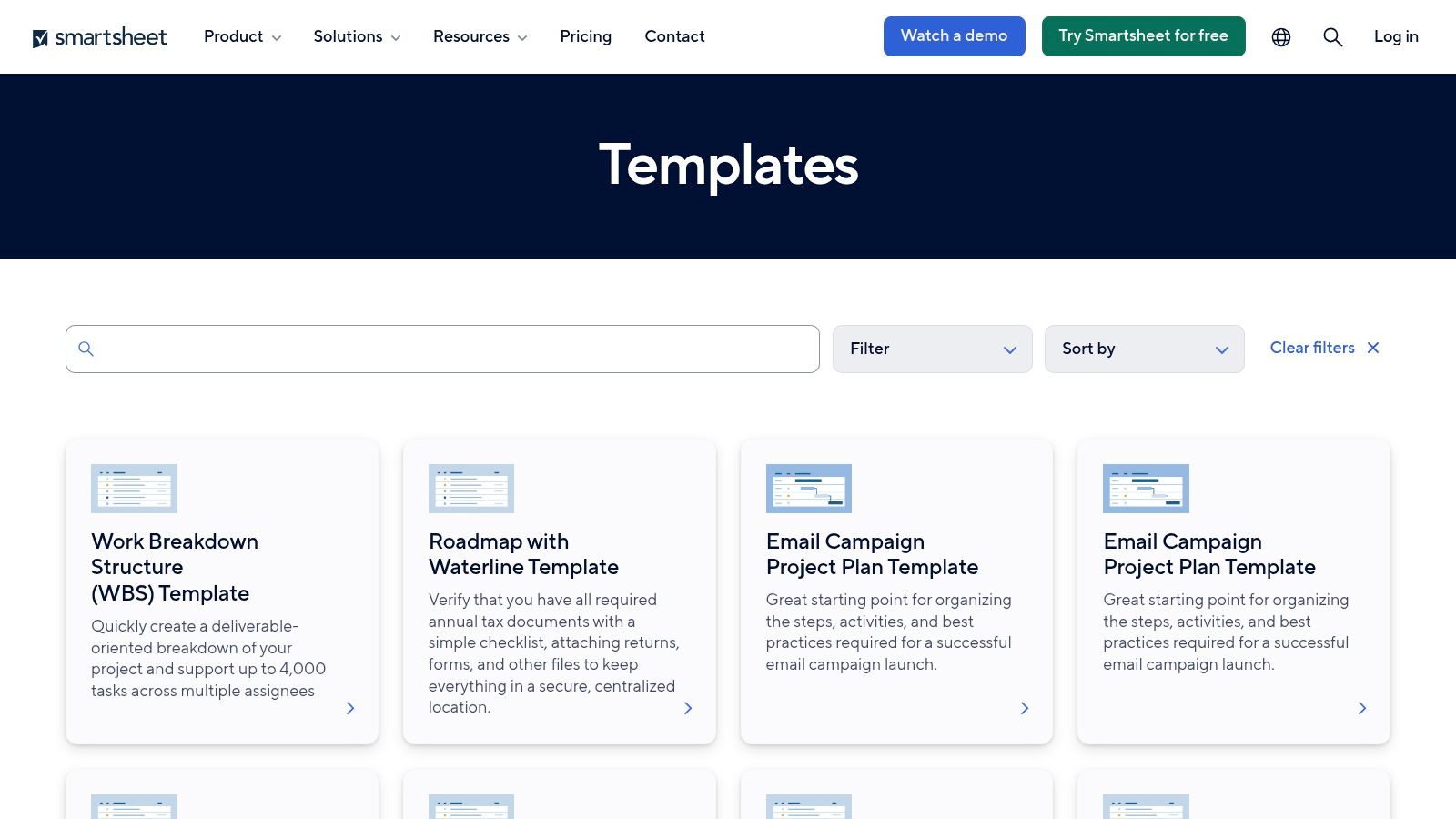
Smartsheet sits in the middle ground between spreadsheet reporting and workflow software. That's a good place to be if your biggest problem isn't just producing reports. It's getting people to finish the steps required to produce them on time.
For co-living operators, that can mean tying reporting to recurring tasks like utility bill reviews, turn reconciliations, owner distributions, and month-end checklists.
Why operators like it
Smartsheet gives you downloadable templates for balance sheets, income statements, and cash flow reporting, plus native templates that support rollups, dashboards, permissions, and automations. That makes it more structured than a blank spreadsheet but less heavy than a full enterprise finance stack.
I'd consider it if you manage a growing portfolio and want accountability built into the reporting cycle. You can assign update tasks, create reminders, and feed summary dashboards from underlying sheets. That's useful when multiple people contribute inputs and someone needs to chase missing numbers.
If you're already trying to standardize reporting across houses, this kind of workflow discipline pairs well with a portfolio performance tracking approach built for rental operators.
The practical downside
Smartsheet isn't where I'd build a deep financial model. It's stronger as a reporting operations layer than as a flexible analysis tool.
- Good for process: Recurring reports, approvals, and stakeholder updates.
- Less natural for modeling: Advanced charting and custom report formatting can feel clunkier than Excel.
- Paid value: The better governance features typically sit behind paid plans.
For teams that miss deadlines more often than they miss formulas, Smartsheet can be a smart upgrade. If your core issue is nuanced property-level analysis, Excel or a dedicated platform may still fit better. Explore options in the Smartsheet template marketplace.
5. Airtable finance templates and solutions
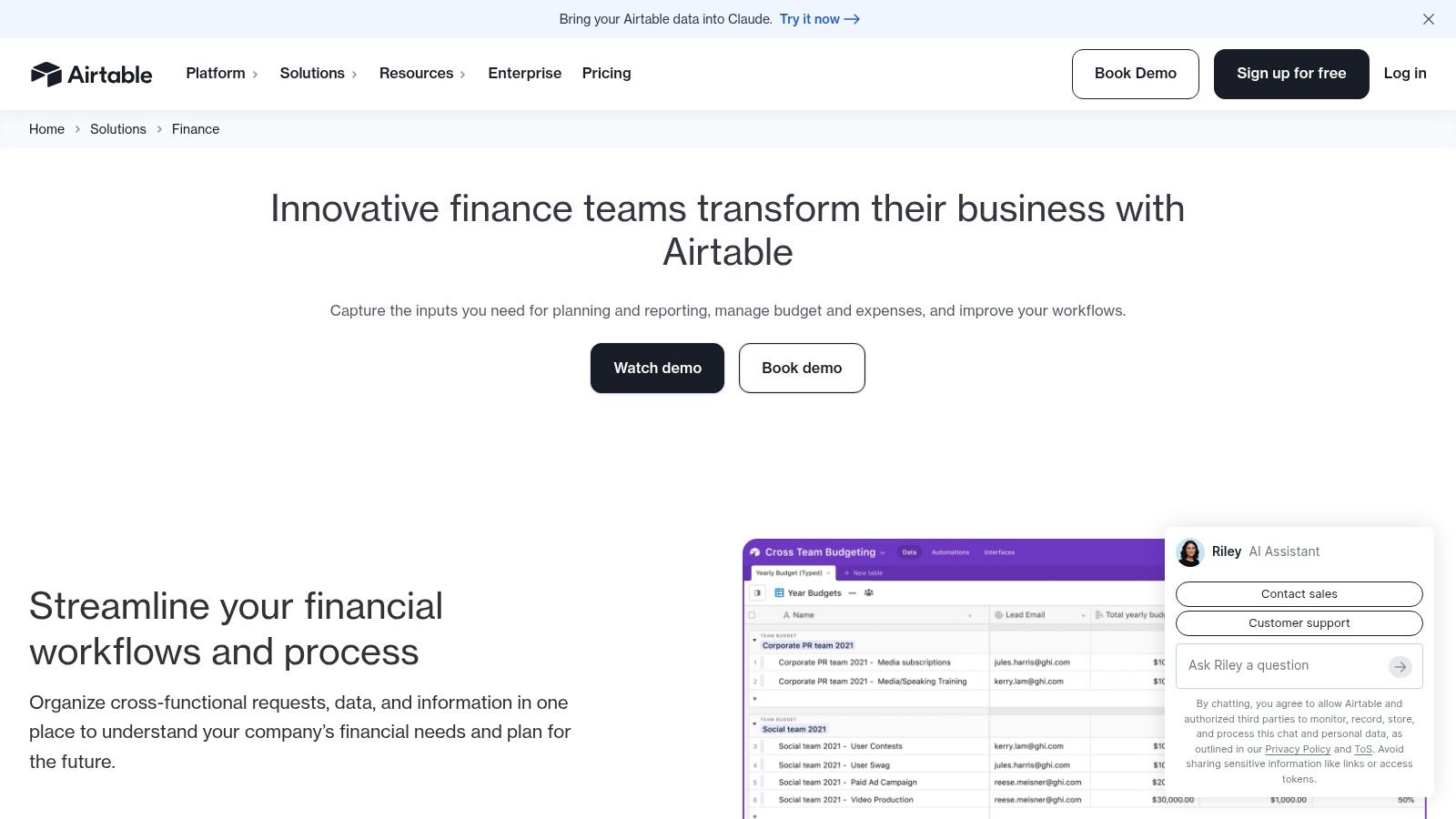
Airtable is what I reach for when the mess isn't in the math. It's in the structure.
Co-living operators often don't just track accounts. They track properties, rooms, members, invoices, vendors, turns, and recurring tasks. Airtable handles that relational mess better than a flat spreadsheet because it behaves more like a database with views layered on top.
How it helps room-by-room reporting
Airtable works well when you need to connect operating records to financial summaries. You can create linked tables for properties, rooms, member charges, vendors, and maintenance, then filter views by house or manager. That gives you a cleaner way to organize reporting inputs before they ever hit a formal statement.
This is especially useful for operators with several homes and lots of repeated transactions. You can create filtered stakeholder views, automate reminders, and feed dashboards without rebuilding the same spreadsheet every month.
A database-style setup makes sense once you keep asking, “Which room, which house, which vendor, and which month did this belong to?”
The main limitation
Airtable is not your accounting ledger. That distinction matters.
It can organize and visualize reporting inputs beautifully, but if you need GAAP-style statements, tax-ready books, or formal close processes, you'll usually need accounting software or an export path into one. In practice, Airtable often becomes the operational data layer while QuickBooks, Xero, or another system remains the financial system of record.
For hosts who want structure without jumping into enterprise software, Airtable is a strong bridge. It's especially helpful if your portfolio is operationally complex but not yet large enough to justify a bigger finance stack. You can see the available options on Airtable's finance solutions page.
6. QuickBooks Online financial reports and downloadable templates
QuickBooks Online is the most common next step after the spreadsheet phase. If your bookkeeper already lives in QBO, using its built-in reports is usually the path of least resistance.
That matters for co-living because your reporting process has to be sustainable. A beautiful custom workbook that nobody updates consistently is worse than a plain QBO report everyone trusts.
Where QuickBooks earns its keep
QuickBooks Online includes the standard reports most small operators need, especially P&L, balance sheet, and cash flow reporting. It also offers downloadable statement templates for operators who want a starting point before committing to software-driven reporting.
For hosts, the main win is collaboration with outside accountants and bookkeepers. QBO is familiar territory for many finance professionals, so review cycles are easier and cleanup tends to move faster. If you're trying to improve your chart of accounts for room-by-room rentals, this guide to property management accounting workflows is a useful reference point.
The trade-offs
QuickBooks is reliable, but it's not magically co-living-aware. You still need to set up your classes, locations, accounts, and item structure in a way that matches how you operate.
- Strong core reports: Good for monthly bookkeeping and standard statements.
- Custom formatting limits: Owner or lender packs with extensive customization often require Excel exports.
- Tier variation: Some customization and scheduling features depend on subscription level.
One useful anchor for balance sheet setup is the underlying accounting equation. A proper balance sheet template should reflect Assets = Liabilities + Equity, with sections for fixed assets, depreciation, liabilities such as mortgage balances and security deposits, and formulas that verify the sheet balances, as described in this rental property balance sheet template guide.
If your main need is dependable monthly financials and accountant-friendly workflows, QuickBooks remains a practical choice. Start at the QuickBooks website.
7. Xero financial report and template resources
Xero appeals to operators who want cloud accounting without feeling boxed in by rigid report layouts. The interface is cleaner than a lot of accounting software, and that alone lowers the friction of reviewing reports every month.
For co-living, Xero's value is less about niche property features and more about usable reporting templates with comparative period views. If you care about month-over-month movement and want cleaner custom layouts, Xero is a comfortable place to work.
Good fit for comparative reporting
Comparative periods matter in shared housing. Occupancy changes, room turns, and seasonal utility costs can make one month look strange in isolation. Xero's approach to saved report templates and side-by-side period reporting helps you spot those swings faster.
That lines up with a broader reporting principle. Effective templates should include consistent time-period references such as month-over-month or quarter-over-quarter comparisons because direct comparability reduces reporting errors and version confusion across teams, as noted earlier in the Workday guidance.
Where it may not go far enough
Xero works well for small and mid-sized operators, especially if your accountant is already comfortable in the ecosystem. But once you want deeper analytics, more specialized dashboards, or highly specific operational reporting for room-by-room portfolios, you may need add-ons or exports.
The good news is that Xero doesn't make customization painful on the core statements. The limitation is that the more operationally specific your reporting needs become, the less likely a general accounting platform can handle everything alone.
For many hosts, that's an acceptable trade. Clean books first. Extra analytics second. You can browse templates and product details on Xero's template and accounting resource page.
8. Zoho Books financial reports and free statement templates
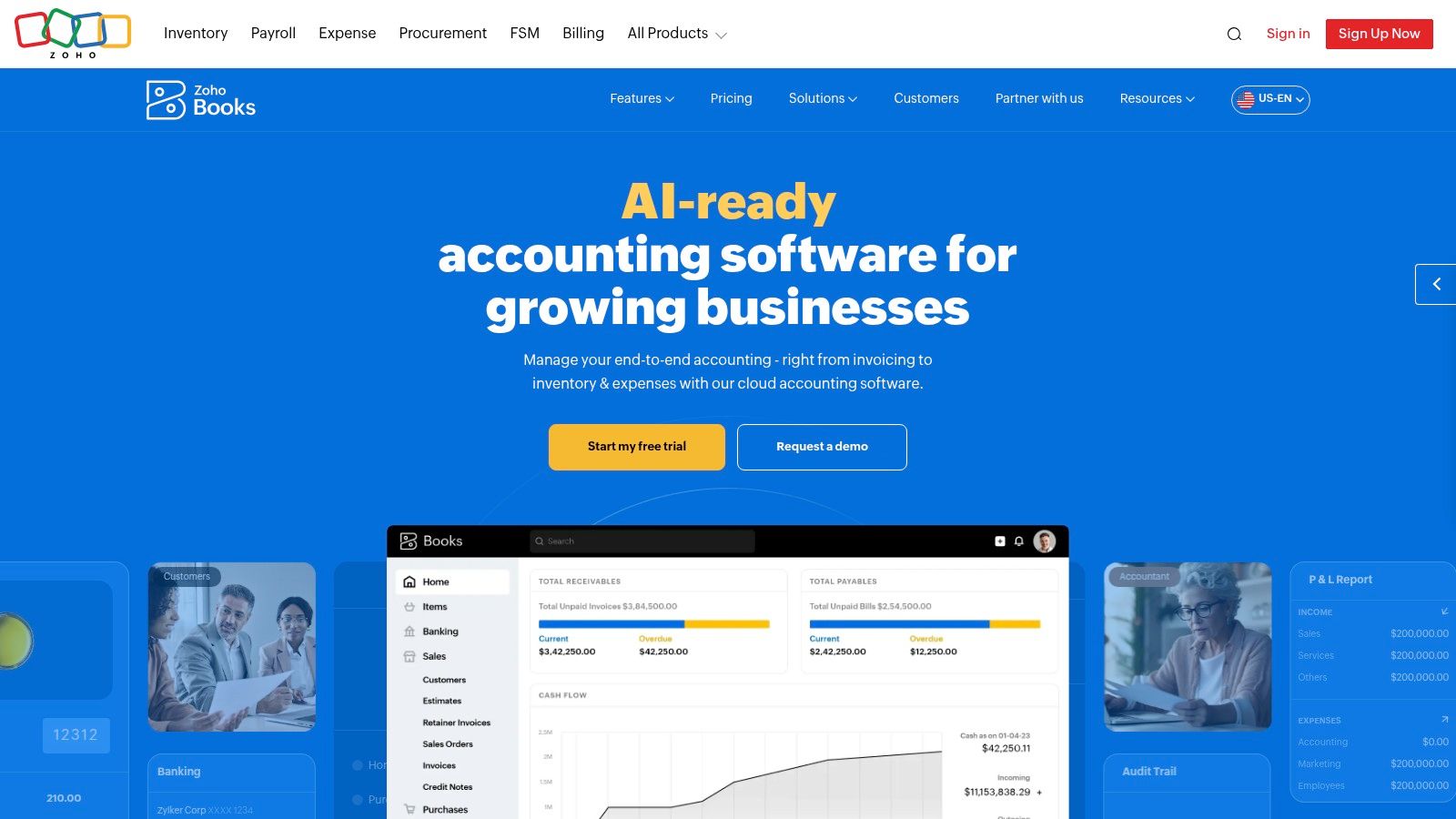
Zoho Books is often the value pick. It gives small operators a broad reporting module and educational template resources without forcing an immediate jump into higher-end finance software.
If you're running a lean co-living operation and trying to keep software spend under control, that matters. You need enough reporting to stay organized without paying for a platform built for a much larger company.
Why it's attractive to smaller operators
Zoho Books includes financial, accounting, and tax-oriented reports, plus templates and guides around the three core statements. It's a practical setup for hosts who want one system to handle day-to-day accounting and basic reporting output.
Another point in its favor is ecosystem fit. If you already use other Zoho products, you can extend workflows into analytics, CRM-style follow-up, or internal task management. That creates a connected environment without forcing enterprise complexity too early.
Keep your reporting stack proportional to the business. A six-room house doesn't need the same finance architecture as a multi-state portfolio.
What to expect in practice
The strengths are accessibility and breadth. The downsides show up when you push into more advanced territory. Consolidations, deeper analytics, and more layered workflows may require upgrades or adjacent Zoho tools, which can add complexity.
Zoho Books makes sense if you want an affordable accounting base with enough financial reporting templates to stay disciplined. It's less appealing if you already know you'll need advanced multi-entity reporting soon. You can review it on the Zoho Books website.
9. Sage Intacct financial report templates and Report Writer
Sage Intacct is where the conversation shifts from “How do I produce monthly statements?” to “How do I standardize reporting across entities, dimensions, and stakeholders?”
That's a different problem. Most small hosts won't need Intacct. Larger operators, management groups, and organizations with multiple entities might.
Why bigger portfolios consider it
Intacct includes a financial report library, report writers, and a QuickStart template library that can be copied and adapted during setup. Its main appeal lies in dimensional reporting. Instead of forcing everything through one static chart of accounts, you can analyze by entity, location, department, or other dimensions that reflect how the business is run.
For co-living portfolios, that can be useful when you need reporting by market, property manager, ownership structure, or property type. It's a more scalable foundation than trying to force those distinctions into spreadsheets.
There's also a broader industry backdrop here. The market for financial reporting software is valued at $13.95 billion in 2025 and projected to reach $30.8 billion by 2033, according to DataIntelo. That doesn't mean every host needs enterprise software. It does show how much organizations are moving away from manual reporting toward more standardized digital systems.
Where it's overkill
Intacct asks for setup discipline, implementation time, and a budget that makes sense only when complexity justifies it.
- Best for multi-entity reporting: Strong when several properties or business units must roll up cleanly.
- Less friendly for tiny portfolios: Small operators usually won't get enough return from the added complexity.
- Implementation matters: Good templates help, but they won't fix a poorly designed reporting structure.
For larger co-living operators who've outgrown QBO or spreadsheet consolidation, Intacct is a serious option. Learn more at Sage Intacct.
10. Oracle NetSuite financial reporting
NetSuite is the boardroom option on this list. If your co-living business has multiple entities, outside investors, formal budgeting cycles, and a real need for management packs, NetSuite starts to make sense.
Its strength isn't just transaction processing. It's turning financial and operational data into reporting packages that people can review, comment on, and distribute in a controlled way.
What makes it different
NetSuite's Narrative Reporting and Advanced Financials tools are built for organizations that need more than basic statements. They support collaborative report creation, budgeting workflows, and enterprise-grade consolidation.
That's a better fit for operators managing at real scale, especially when several stakeholders need different views of the same underlying data. A property manager might need site-level variance detail, while an investor wants portfolio summaries and commentary.
The international reporting context also matters at this level. Structured financial reporting increasingly sits alongside standards-based preparation, including IFRS-oriented templates built in Excel by major advisory firms and digital reporting frameworks like XBRL, which supports platform-independent reporting of financial, performance, risk, and compliance information, as described in this overview of IFRS templates and reporting standards.
The honest downside
NetSuite isn't a casual tool. It requires implementation, training, and enough organizational maturity to use it properly. Very small teams usually end up paying for capabilities they don't need yet.
Still, for larger operators, one benefit is the ability to combine standardized statements with narrative context. That's useful when your reporting has to explain not just what happened, but why occupancy shifted, where capex was spent, and how management plans to respond.
If your portfolio is large enough to need controlled, board-ready financial reporting templates, NetSuite deserves a look at Oracle NetSuite.
Top 10 Financial Reporting Templates Comparison
| Product | Core features ✨ | Quality ★ | Value & USP 🏆/✨ | Target 👥 | Pricing 💰 |
|---|---|---|---|---|---|
| PadPulse 🏆 | Dynamic repricing, AI messaging, smart-locks/thermostat integration, live P&L, native PadSplit sync | ★★★★☆ (operator-built, beta) | Revenue lift ~+10%, $250–$300 fee savings/booking, consolidates ops & pricing ✨ | 👥 PadSplit hosts & room-by-room co‑living operators | 💰 Free research → Host $49/mo → Growth $10/room/mo → Pro $15/room/mo; add‑ons; beta |
| Microsoft Excel (templates) | Prebuilt P&L templates, formulas, charts, exportable files | ★★★★☆ | Flexible, CPA-accepted format; fast customisation ✨ | 👥 Small operators, accountants, lenders | 💰 Included with Microsoft 365 or free templates |
| Google Sheets + Template Gallery | Template starter, real-time collaboration, version history | ★★★★☆ | Cloud-first real-time collaboration; easy sharing ✨ | 👥 Distributed teams, collaborative ops | 💰 Free; Google Workspace paid tiers |
| Smartsheet (templates) | Balance/P&L/CF templates, rollups, dashboards, automations | ★★★☆☆ | Workflow automations and governance for recurring reporting ✨ | 👥 Teams needing workflows, governance & rollups | 💰 Paid plans for full features; templates available |
| Airtable (finance bases) | Database-style bases, views (Grid/Kanban), automations, API | ★★★★☆ | Structured multi-entity datasets and dashboardable views ✨ | 👥 Ops teams needing flexible data models | 💰 Free → paid tiers; some advanced features paid |
| QuickBooks Online | Built-in P&L/BS/CF reports, scheduling, reports-only role | ★★★★☆ | Widely used by US accountants; bookkeeping + reporting fit | 👥 Small–mid US landlords & bookkeepers | 💰 Subscription tiers; free downloadable template |
| Xero (templates) | Downloadable templates, in-product report templates, comparative periods | ★★★★☆ | Clean UI, strong accountant ecosystem, multi-period reporting ✨ | 👥 Cloud-accounting users & advisors | 💰 Subscription plans; templates available |
| Zoho Books | Reports module, configurable layouts, integrations, templates | ★★★☆☆ | Competitive pricing, free plan options for qualifying users | 👥 Cost-conscious small operators | 💰 Affordable tiers; forever-free option (qualifying) |
| Sage Intacct | Financial Report Writer, QuickStart templates, consolidations, dimensions | ★★★★★ | Enterprise-grade multi-entity consolidation and dimensional reporting | 👥 Mid-market & multi-entity finance teams | 💰 Enterprise pricing / quote; higher setup effort |
| Oracle NetSuite | Narrative Reporting, Advanced Financials, real-time analytics, consolidations | ★★★★★ | Board-ready reporting, real-time cross-data analytics for large portfolios | 👥 Large operators, enterprises, global portfolios | 💰 Enterprise subscription + implementation costs |
From Reporting to Action: Your Next Step
The right financial reporting templates won't fix a weak property. They will fix a weak reporting habit. That distinction matters.
Most co-living operators don't lose control because they lack data. They lose control because their data is scattered across booking platforms, bank feeds, utility bills, text messages, and spreadsheets that nobody updates the same way twice. A good template gives that information structure. A good system turns that structure into decisions.
For beginners, the simplest path is usually best. Start with one monthly reporting package and commit to it. That package should include a P&L, a balance sheet, and a basic cash flow view. The standard structure of financial reporting templates typically includes revenue, COGS, gross profit, operating expenses, operating income, and net income, which creates a clean roadmap for trend analysis and cost control, according to this financial reporting template overview from Fuel Finance. Even if your co-living setup uses more specific line items, that structure keeps reporting readable.
Then customize for room-by-room reality. Add property tabs. Track room revenue separately where helpful. Break out cleaning, turn costs, utilities, repairs, and member-related fees so you can see what's moving margins. If one home is full but still underperforming, your template should make that obvious.
There's also a bigger shift happening in the software market. Reporting tools are moving away from generic spreadsheets toward automated templates that can calculate statements, visualize data in real time, and align with specific business models. For operators, that means a co-living reporting stack should reflect unit economics, cash flow timing, and property-level operating decisions instead of only producing generic profit-and-loss output. The practical lesson is simple. Build for the business you run, not the one a standard small-business template assumes.
As portfolios grow, consistency matters more than sophistication. A perfectly designed workbook is useless if it changes every month. Lock your formulas. Use the same period structure every cycle. Keep one definition for each metric. If you have a team, make sure everyone is updating the same source of truth.
That's also where platforms start to beat templates. Spreadsheets are great for learning and for early-stage control. But once your operations include multiple houses, recurring vendor coordination, member communication, dynamic pricing decisions, and acquisition analysis, the reporting layer needs better inputs. Otherwise, your financials are always trailing reality.
That's why purpose-built systems are worth watching. A platform like PadPulse is designed around the operating model of PadSplit hosts and co-living operators, with planned financial visibility, portfolio analytics, and workflow automation in one place. For a host trying to scale without hiring a bigger back office, that kind of integration can matter more than another downloadable template.
The next step is simple. Pick one tool from this list that matches your current size. Use it every month. Don't wait for the perfect setup. A consistent reporting process is what gets you to better pricing, tighter cost control, faster decisions, and stronger NOI.
If you're building or scaling a PadSplit portfolio, PadPulse is worth a close look. It's an in-development platform built specifically for co-living operators, with planned tools for pricing, messaging, smart-home control, underwriting, and portfolio-level financial visibility. Join the early-adopter list to follow the Winter 2026 launch, get beta updates, and see how a purpose-built system could replace the patchwork of spreadsheets and manual workflows you're using today.